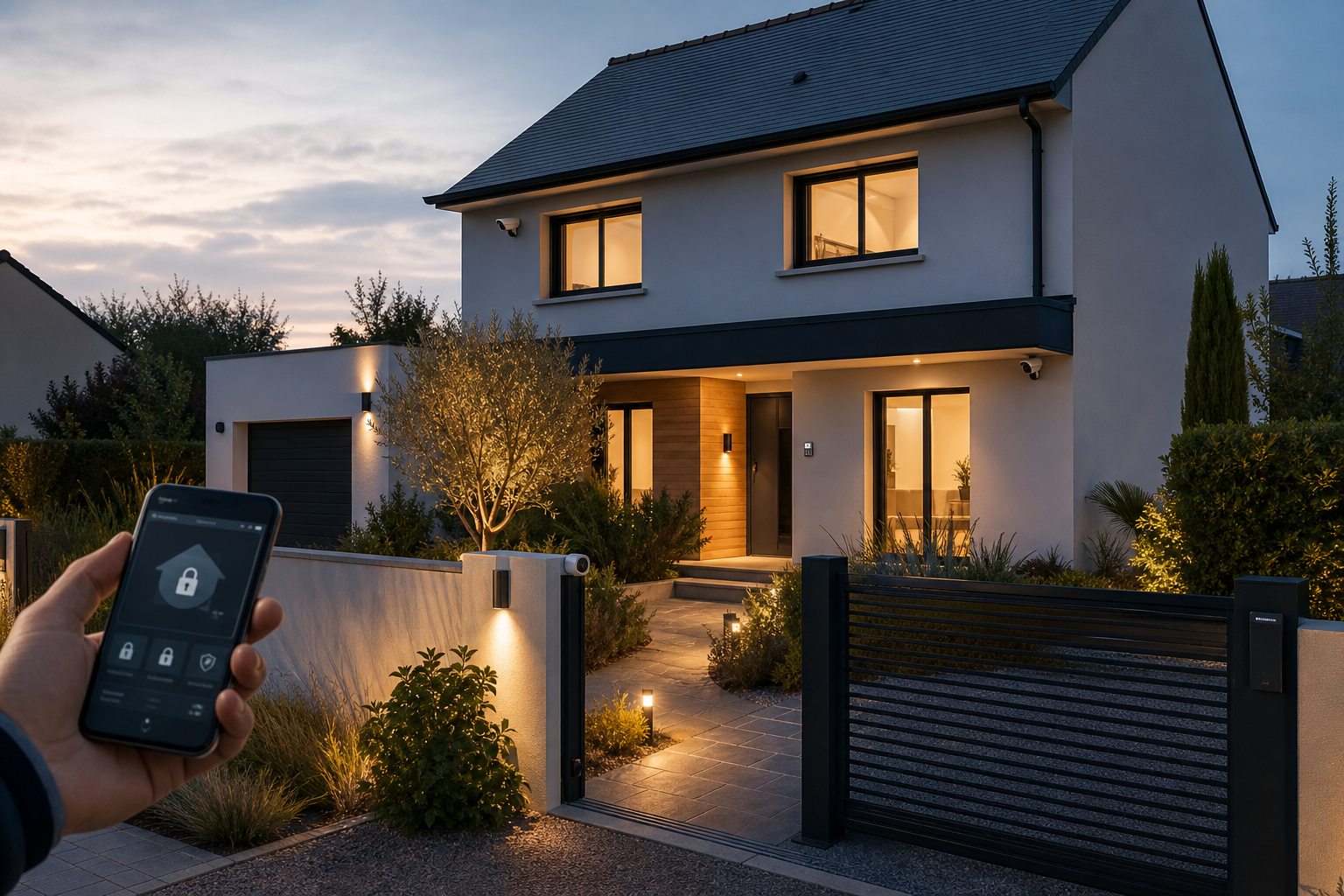


A smart lock means never hunting for your keys again, managing access remotely, and knowing who comes in. But the market is a real maze: mount over the cylinder, full replacement, ANSI/BHMA-graded or not, fingerprint, code, smartphone…
Over fifteen years, I've installed and evaluated a great many locks, both mechanical and smart. My message comes down to one sentence: a smart lock manages access; it doesn't replace the strength of the door.
This hub is your starting point. Below you'll find a quick way to identify your profile, my top 3 by use case, how it installs (even in a rental), the entry methods, and the security basics — then a link to the full hands-on comparison when you're ready to choose.
Which smart lock is right for you?
Before comparing models, identify your profile. Most households fall into one of these three.
Renter / simplicity
You want smart access without altering the door. A lock that mounts over the cylinder, reversible, keeping your physical key.
Convenience + style
You care about a sleek finish and fingerprint entry. A well-rated deadbolt-swap model with code, app and biometric.
Maximum security
You're reinforcing a primary entry door. A smart lock built on an ANSI/BHMA Grade 1 deadbolt.
Our top 3 smart locks by profile
No time to compare every model? Here are the three picks that cover the vast majority of situations, rated by our editorial team.
August Wi-Fi Smart Lock
- ✅ Installs in 3 min, no drilling
- ✅ Reversible: ideal for renters
- ⚠️ Relies on your existing deadbolt
Yale Assure Lock 2
- ✅ Sleek, clean finish
- ✅ Fingerprint / code / app
- ⚠️ Pricier than entry-level
Schlage Encode Plus
- ✅ ANSI/BHMA Grade 1 deadbolt, smart-home integration
- ✅ End-to-end security
- ⚠️ Higher cost and heavier install
How does a smart lock install?
There are three main approaches, from the simplest to the most involved.
Over the existing cylinder
An interior unit turns the key already in place. Installs in minutes, no drilling, reversible. Ideal for renters.
Smart deadbolt swap
You replace the deadbolt with a smart model. More integrated, but you need to be comfortable measuring your existing hardware.
Full lock replacement
Replace the entire lock with a smart unit (often ANSI/BHMA Grade 1). Maximum security, heavier install.
For most households — especially renters — mounting over the existing cylinder is the simplest and safest approach to pull off.
Entry methods
Most smart locks combine several methods — that's the whole point: there's one for everyone.
- Smartphone (Bluetooth/Wi-Fi): entry as you approach, or remotely via a Wi-Fi bridge.
- Code (keypad): handy for guests and service pros, no app to share.
- Fingerprint: fast and personal, on models with a biometric keypad.
- Key fob / tag: simple for kids or older family members.
- Physical key: kept as a backup on models that retain the cylinder.
- Auto-unlock / auto-lock: automatic locking when you leave, unlocking when you arrive.
Mechanical base and cybersecurity
A smart lock is only a weak point if you neglect two things: the mechanical base and the digital settings.
On a primary entry door, start with an ANSI/BHMA Grade 1 deadbolt — that's what resists forced entry. The smart part sits on top, for convenience and access management. Then secure the digital side:
- Change the default password to a long, unique one.
- Enable two-factor authentication in the app.
- Update the firmware right after install, then regularly.
- Favor an established brand with encrypted communication.
- Keep a backup option (physical key, external battery pack).
The best smart locks of 2026 at a glance
Here's a synthetic overview of our top picks. For full ratings, pros/cons, pricing and our testing notes on all 6 models, head to the complete comparison.
| Lock | Rating | Best for |
|---|---|---|
| August Wi-Fi Smart Lock | ★★★★★ 4.8 | Renters, simplicity |
| Yale Assure Lock 2 | ★★★★☆ 4.5 | Design, fingerprint |
| Schlage Encode Plus | ★★★★☆ 4.4 | Maximum security |
| Level Lock+ | ★★★★☆ 4.3 | Invisible design, Apple Home |
| Ultraloq U-Bolt Pro | ★★★★☆ 4.2 | Fingerprint + keypad |
| Wyze Lock | ★★★★☆ 4.0 | Tight budget |

Frequently Asked Questions about smart locks
Yes, as long as you understand its role. A smart lock manages access (who opens the door, and when) and adds convenience; it doesn't replace the mechanical strength of the door. The ideal setup is to install it on a solid foundation: a deadbolt rated ANSI/BHMA Grade 1. On the digital side, change the password, enable two-factor authentication, and keep the firmware updated.
Yes, and that's actually the most common option. Models like the August Wi-Fi Smart Lock mount on the inside, over your existing deadbolt, without replacing or drilling anything. You keep your key and your original lock, and you add smartphone entry. It's the ideal solution for renters.
Absolutely. Models that mount over the existing deadbolt are reversible and don't modify the door: you remove them when you move out without touching the property. To swap the cylinder or the whole lock, ask your landlord's permission — often granted for a security upgrade.
Reputable models warn you well in advance (notification, indicator light) and last several months. If the battery does go completely dead, most keep a backup option: a physical key on the retained cylinder, an external backup battery, or keypad entry. You're never locked out.
ANSI/BHMA grading measures the mechanical lock's resistance to forced entry. Some smart models include a graded deadbolt (Schlage Encode Plus and Yale Assure Lock 2 carry strong grades); others simply automate your existing cylinder. For a primary entry door, start with an ANSI/BHMA Grade 1 mechanical base, then add the smart layer for convenience.
Ready to choose?
Compare all the tested models in detail, or start by securing the mechanical base of your door.
Explore the smart locks section
Everything you need to choose, install and secure the right lock.