

It's easy to get lost when choosing a security camera: resolution, night vision, cloud subscriptions, privacy laws… You end up buying the wrong model, or mounting it in the wrong spot.
Over fifteen years, I've installed and evaluated a huge number of video systems. My takeaway fits in one sentence: a well-placed $60 camera protects better than a $300 camera pointed the wrong way.
This guide gets straight to the point: my top 3 by profile, the criteria that actually matter, where to place your cameras, the privacy rules (important!), and the pitfalls to avoid. In a hurry? Start with the quiz below.
Which security camera do you need?
Answer these 5 questions: the quiz points you toward the right type of camera, then to the matching product in our top 3.
Find your ideal camera
5 questions, 1 minute. No sign-up.
1. You want to monitor…
2. At the spot you want to cover, is an outlet or cable run available?
3. Is the area lit at night?
4. Your budget per camera?
5. How many cameras are you considering?
Our top 3 security cameras by profile
No time to compare ten models? Here are the three picks that cover the vast majority of needs, tested and rated by our editors.
Reolink Argus 3 Pro
- ✅ Wireless, color night vision
- ✅ Optional solar panel, SD storage
- ⚠️ Check Wi-Fi signal at the mounting spot
Wyze Cam v4
- ✅ Unbeatable value for the money
- ✅ 2.5K, IP65, free SD-card storage
- ⚠️ App is a bit less feature-rich
Arlo Pro 4
- ✅ 2K HDR, two-way audio, built-in siren
- ✅ Premium image quality and app
- ⚠️ Paid cloud plan for extended history
What does a security camera really do?
A camera doesn't just record: it deters, detects and documents. Three complementary roles.
It becomes truly useful when it backs up your other defenses: a solid door, lighting, an alarm. A poorly placed camera mostly generates useless notifications; a well-placed camera gives you the right information at the right moment.
Deterrence
Visible at the entrance, it signals a monitored home and discourages an opportunist.
Alerts
Person detection cuts down on false alarms and lets you react right from your phone.
Evidence
Footage helps you understand what happened, file a police report or support an insurance claim.
Indoor, outdoor, Wi-Fi or wired (PoE)?
The right choice depends first on what you're monitoring. An outdoor camera has to handle rain and cold; an indoor camera needs to respect privacy.
| Type | Recommended use | Watch out for |
|---|---|---|
| Indoor | Entryway, hallway, main room | Protect privacy, avoid private rooms |
| Outdoor | Gate, front of house, patio, garage | IP rating, night vision, lawful aiming |
| Wi-Fi / battery | Easy install, no wiring | Signal strength, battery life, password |
| Wired PoE | Permanent install, NVR, multiple cameras | Running cable, more technical setup |
The criteria that really matter
The spec sheet isn't enough. A poorly exposed 4K image is less usable than a well-placed 2K camera with good night vision.
- Night vision: crisp infrared, or color (Starlight) if the area is dark.
- Field of view: a wide angle covers more, but reduces detail on distant faces.
- Smart detection (AI): telling people, animals and vehicles apart cuts false alerts.
- Power: battery for simplicity, plug-in or PoE for continuous recording.
- App: alerts, history and sharing should stay simple.
- Privacy: encryption, two-factor authentication, the option to turn off the cloud.
Where to place your cameras?
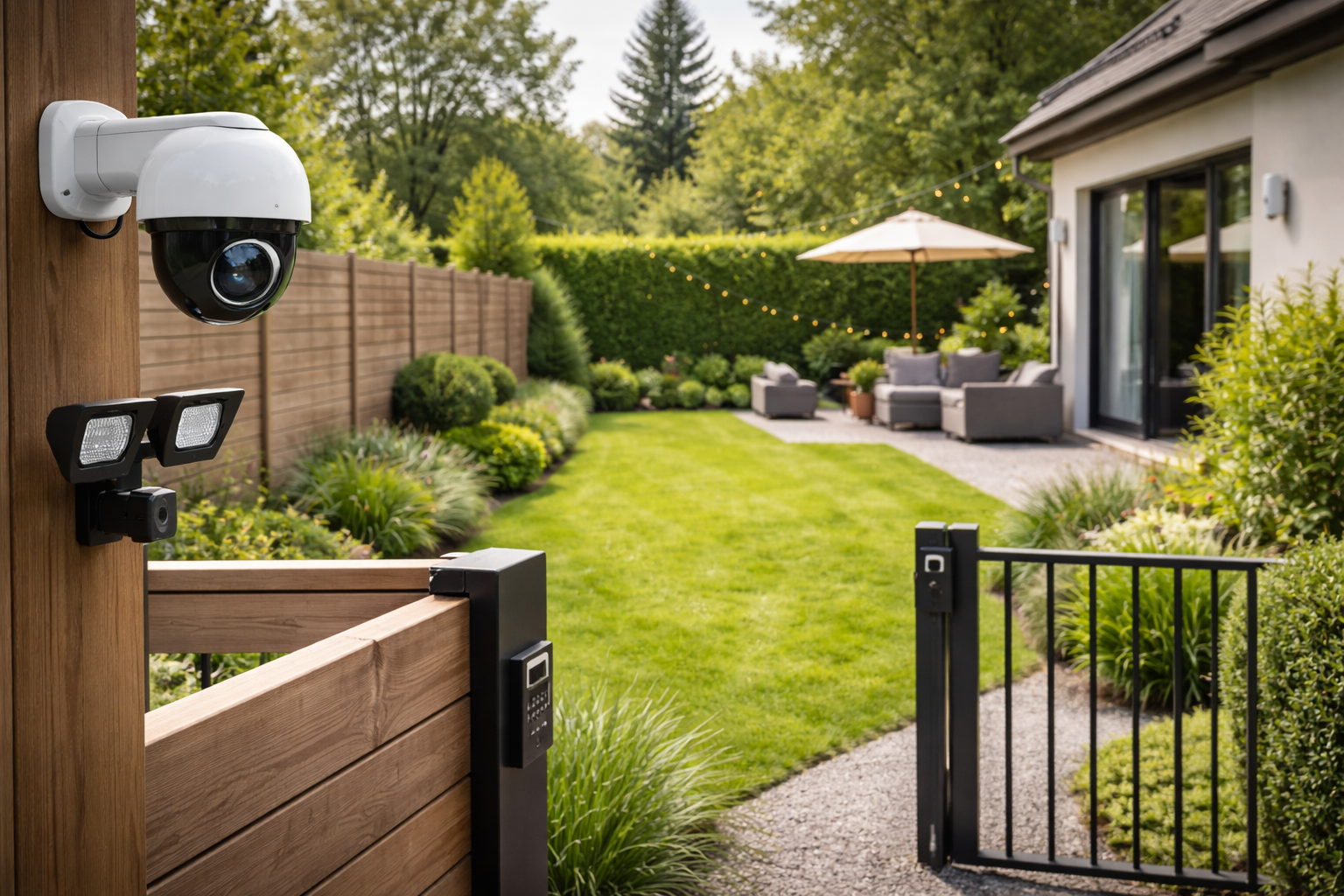
Start with the entry points that actually get used: front door, sliding glass door, gate, garage, back patio. A camera should see a useful area, not a sweeping landscape.
Mount it high enough to keep it out of reach (8 to 10 ft), but not so high that you lose a readable angle on faces.
Single-family home
One camera on the main entrance, a second on the most vulnerable spot (back yard, garage). A motion-activated light often does more good than a poorly aimed third camera.
Apartment
Favor the interior (entry, hallway) or a video doorbell limited to your own threshold. Recording a shared landing or common area is up to the building/HOA, not an individual decision.
Storage: local, cloud or NVR?
Storage determines what you'll be able to review after an alert. Here's how to weigh the options.
✅ Local storage (SD card / NVR)
- Free, no subscription
- Footage stays on-site
- NVR ideal for multiple cameras
⚠️ Cloud storage (subscription)
- Easy remote access, extended history
- Footage kept even if the camera is stolen
- But a recurring monthly cost
My rule of thumb: an SD card for everyday use, and cloud only if the camera is genuinely at risk of being stolen (within easy reach, isolated home).
Privacy and the law: the part you can't skip
In the US, the guiding rule for a homeowner is simple: record your own property, and respect everyone else's reasonable expectation of privacy.
If people work at your home (a housekeeper, nanny, or gardener), it's good practice — and in some states required — to let them know cameras are present. In an apartment or HOA community, recording a shared hallway or common area is a building/association decision, not an individual one.
Rules vary by state and city, so check your local ordinances and any HOA bylaws. The good news: for strictly private use limited to your own property, no permit or filing is generally required for the camera itself.
Securing your camera (cybersecurity)
A Wi-Fi camera only protects your home if it's protected itself. A few minutes is all it takes.
- Change the default password to a long, unique one.
- Turn on two-factor authentication.
- Update the firmware as soon as you install it.
- Put the camera on a dedicated guest Wi-Fi network.
- Set up detection zones to ignore the street and trees.
- Test alerts during the day, at night and in bad weather.
Detailed comparison of the best cameras of 2026
An overview of the models I recommend, by use case and budget.
| Camera | Rating | Price | Type | Best for |
|---|---|---|---|---|
| Reolink Argus 3 Pro | ★★★★★ 4.8 | ~$90 | Wireless / solar | All-around outdoor |
| Arlo Pro 4 | ★★★★☆ 4.6 | ~$200 | Wireless premium | Top image quality |
| Wyze Cam v4 | ★★★★☆ 4.5 | ~$50 | Wi-Fi plug-in | Budget, 2.5K, free SD |
| Reolink PoE (NVR) | ★★★★☆ 4.5 | from ~$300/kit | Wired PoE | Wide coverage, multi-camera |
Common mistakes to avoid
- Mounting the camera too high: you film the tops of heads, not faces.
- Shooting into backlight (facing a window or the rising sun): a washed-out image at the key hours.
- Forgetting night vision when most break-ins happen after dark.
- Recording the public street or your neighbors: a privacy risk and a source of conflict.
- Keeping the default password: the digital front door left wide open.
- Relying on the camera alone: it documents, but it doesn't slow down a break-in the way a solid door does.
They installed a camera: real-world stories
The stories below are composite testimonials, built from common situations we see in the field. The names are made up, but the scenes — and the lessons — are very real.
Justin: "The camera helped identify the car"
Justin had mounted an outdoor color-night-vision camera over his driveway. One night, someone tried the garage.
"Without it, all I'd have had was a gray silhouette. Instead, the police had the color of the jacket and the make of the car. That changed everything for the investigation."
His takeaway: color night vision turns an unusable image into useful evidence.
Camille: "I almost recorded the neighbor's yard"
Camille had aimed her camera at the gate… and the property next door. A neighbor wasn't happy.
"I didn't realize it could be a problem. I just turned on privacy masking in the app to black out their side, and it was sorted in two minutes."
Her takeaway: record only your own property — that's exactly what privacy masking is for.
In short: my expert advice
After fifteen years installing cameras, here's what I'd tell a friend — straight, no fluff.
Start with placement, not the spec sheet: a camera that sees a useful area, at the right height, without backlight, is worth more than all the megapixels in the world.
Then choose based on your situation:
- Indoor / tight budget: a compact Wi-Fi camera with SD storage (like a Wyze Cam) is enough.
- Outdoor with no outlet: a wireless camera with color night vision (like the Reolink Argus 3 Pro).
- Top quality or wide coverage: go premium (Arlo) or a PoE + NVR system.
And above all: a camera documents, it doesn't slow down a break-in. Always pair it with a solid door, good lighting and an alarm. And never forget: record only your own property.
— Patrick Cheroux, residential security expert
Frequently Asked Questions about security cameras
Yes. Any homeowner or renter can install a camera to protect their property. The key is to record only your own private space: entryway, yard, patio, garage or interior. Don't continuously record the public street, a neighbor's yard, or shared common areas. And in many states you can't record audio without consent — point cameras at your property and check your local ordinances and any HOA rules.
An indoor camera mainly confirms a break-in and watches high-traffic rooms. An outdoor camera does more to deter and detect before someone gets inside. For a house, one outdoor camera at the entry plus one indoor camera in a main hallway usually strikes the best balance.
Yes, thanks to night vision. Infrared gives a black-and-white image (range 30-100 ft), while a Starlight or color sensor delivers a far more useful color picture. In a completely dark area, pair the camera with a motion-activated LED floodlight.
Local storage (microSD card, NVR) avoids a subscription and keeps footage on-site. The cloud makes remote access easy and keeps your video even if the camera is stolen, but it adds a recurring cost. The ideal setup: an SD card for day-to-day recording, and cloud backup only if camera theft is a real risk.
Be careful. As a general rule you should record only your own property. Pointing a camera at a neighbor's windows or beyond your property line can violate their reasonable expectation of privacy and create disputes. Use the camera's privacy-masking feature to block out those areas, and check your local ordinances.
The risk mostly comes from neglect: a default password, firmware that's never updated, an off-brand with no support. Change the password, turn on two-factor authentication, update the firmware, and put the camera on a dedicated guest Wi-Fi network, and the risk drops to very low.
Still on the fence? Let us guide you
Retake the 1-minute quiz, or compare every model we tested in detail.
Related articles
To dig deeper, these guides round out how you choose and place your cameras.


Sources and references
- UL Solutions (camera and security-equipment safety standards).
- FBI Crime Data Explorer (US burglary and property-crime statistics).
