

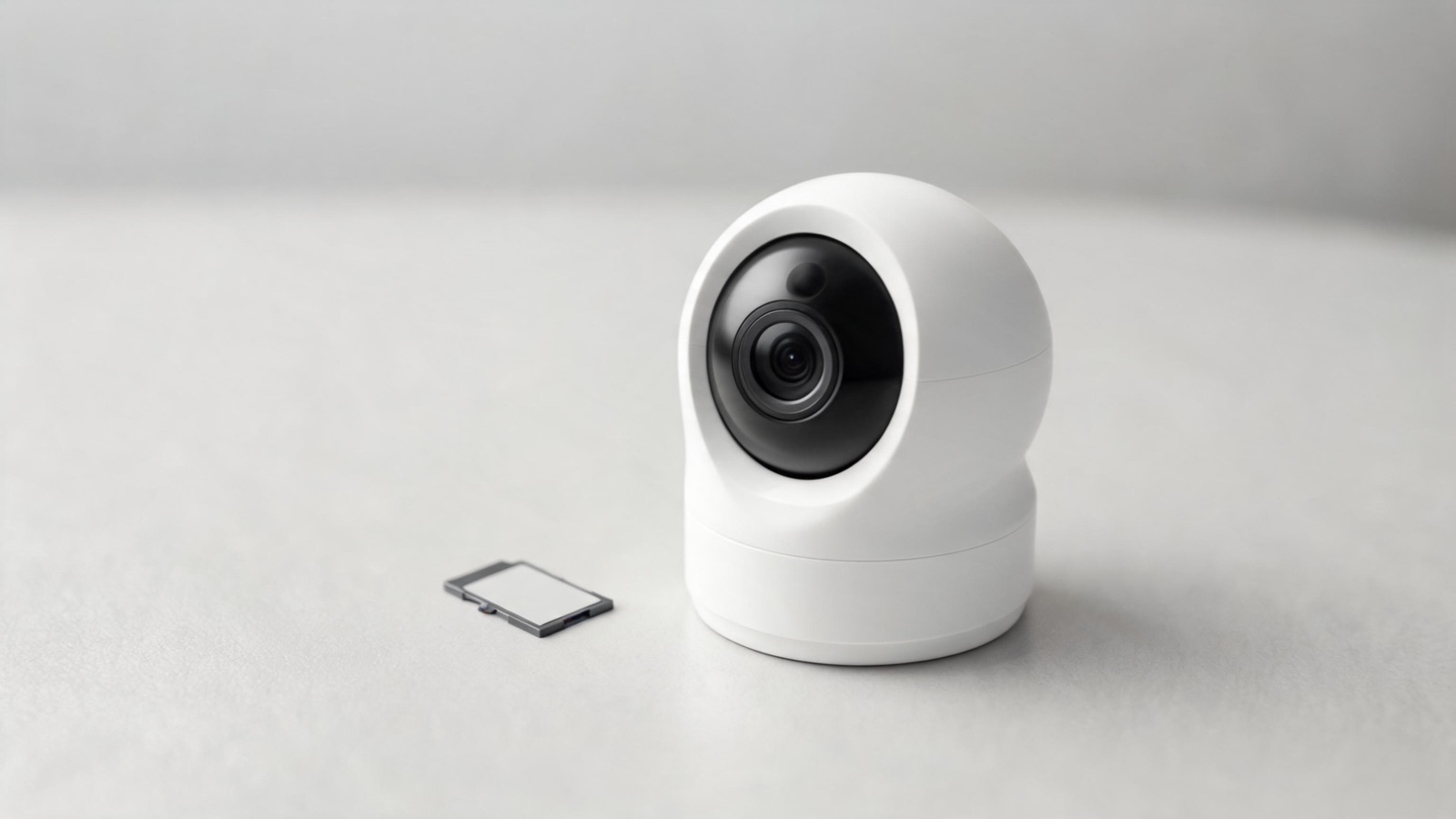
Standard microSD cards fail in months under surveillance recording — silently. Endurance ratings, the write math, capacity caps by ecosystem, and how to format correctly. This guide sums up the criteria that matter, the mistakes to avoid and the concrete choices that help you decide faster.
Here’s a failure mode that costs people the footage they actually needed. A camera runs for eight months, the app shows it recording, the little SD icon is green — and when something finally happens and you go to pull the clip, half the card is unreadable and the incident isn’t there.
The card didn’t announce its death. Consumer microSD cards fail silently under surveillance loads, and the camera often keeps reporting “recording” long after the writes have stopped landing.
The fix costs about $20 and takes ten minutes. But it depends on understanding one thing the packaging doesn’t tell you: a security camera is the single most abusive thing you can do to a memory card.
Why a standard card dies so fast in a camera
A phone or a dashcam writes in bursts. A security camera writes continuously, forever, and overwrites the oldest footage in a loop. That combination attacks flash memory in three specific ways:
1. Write endurance. Every flash cell tolerates a finite number of erase/write cycles. Cheap cards use TLC or QLC memory with low cycle counts; high-endurance cards use higher-grade flash and better wear-levelling firmware. In a loop-recording camera you are cycling the entire card over and over.
2. Heat. An outdoor camera in direct sun can run well above ambient temperature, and heat accelerates flash wear. A card rated for a phone’s operating range isn’t specified for a metal enclosure baking on a south-facing wall in July, or for −4 °F in January.
3. Power loss during writes. Battery cameras die mid-write. Wired ones lose power in an outage. Every abrupt cut risks a corrupted file and, over time, a corrupted filesystem. Cards built for surveillance handle this better; consumer cards frequently don’t.
And the killer: there’s no SMART data on a microSD card. A failing SSD warns you. A failing microSD just starts returning garbage, and neither the camera nor the app usually notices.
The 4 things to check before buying
1. An explicit endurance rating
This is the one that matters. Look for cards marketed as “High Endurance,” “Max Endurance,” or “surveillance/dashcam rated,” with a published figure — usually expressed in hours of continuous Full HD recording (e.g. “up to 20,000 hours”) or, on some product lines, in terabytes written.
A standard card sold on capacity and read speed with no endurance figure at all is the wrong product, however fast it is. Read speed is irrelevant here — you are writing, constantly, and reading almost never.
2. The speed class that governs sustained writes
Ignore the big “170 MB/s” number on the front; that’s peak read. What matters for video is the sustained minimum write speed:
- Class 10 / U1 — 10 MB/s minimum. Adequate for a single 1080p stream.
- U3 / V30 — 30 MB/s minimum. The right default for 2K/4K cameras.
- V60, V90 — beyond what any home security camera needs.
For most cameras, U3/V30 plus a high-endurance rating is the correct combination. Higher V-ratings cost more and buy you nothing here.
3. Capacity — and your camera’s real cap
Bigger is not automatically better, for two reasons. First, every camera has a maximum supported capacity, and exceeding it means the card either isn’t recognised or behaves unpredictably. Second, on a loop-recording camera, a larger card means each cell gets cycled less often — so capacity is itself an endurance strategy.
| Ecosystem | Typical supported cap | Notes |
|---|---|---|
| Reolink (battery & wired) | 128–256 GB | Among the more generous; check the specific model |
| Wyze | 32 GB on older models, up to 512 GB on newer | The generational difference here is large |
| Eufy | Varies; several models use built-in storage instead | Some have no card slot at all |
| Ring | Only certain models take local storage | Most rely on cloud; verify before buying a card |
| Arlo | Storage usually sits in the base station, not the camera | Often full-size SD or USB |
| Generic ONVIF / no-name | Often 128 GB, sometimes overstated | Test before trusting |
Verify the cap in your specific model’s manual before ordering. These numbers move between hardware revisions and firmware updates, and a card above the cap is the most common “why won’t it record” support case there is.
4. Temperature range
For an outdoor camera, check the operating range on the spec sheet. Surveillance-grade cards typically specify something like −13 °F to 185 °F. A card without a stated industrial range in a camera on a sunlit wall is a card with a shortened life.
The three cards I install in 2026
| Card | Class | Endurance positioning | Sizes | Ballpark price (128 GB) |
|---|---|---|---|---|
| SanDisk High Endurance | U3 / V30 | Rated in thousands of hours of continuous recording | 32–256 GB | ~$20–25 |
| Samsung PRO Endurance | U3 / V30 | Highest published hour ratings in the consumer tier | 32–256 GB | ~$20–28 |
| WD Purple microSD | U3 / V30 | Built for always-on surveillance, wide temp range | 32–512 GB | ~$25–35 |
How long will a card actually last? The write math
Two recording modes produce wildly different answers, and this is the calculation nobody shows you.
Event recording (the camera wakes, records 15–30 s, sleeps). A busy camera at 20 events a day, 20 s each, at 2K:
20 events × 20 s × ~1 MB/s ≈ 0.4 GB/day ≈ 150 GB/year
On a 128 GB card, that’s a little over one full cycle per year. A high-endurance card will outlive the camera. Honestly, so will a decent standard card — event recording is not what kills them.
Continuous recording (24/7 loop, typical of wired cameras and NVR setups) at 2K, ~4 Mbps:
4 Mbps ÷ 8 = 0.5 MB/s × 86,400 s ≈ 43 GB/day ≈ 15.7 TB/year
On a 128 GB card, that’s 123 full cycles per year. This is where consumer cards die in months and endurance cards earn their price.
Three conclusions:
- If your camera records only on events, almost any decent card works — but buy endurance anyway, because $8 of difference is nothing against losing the one clip that mattered.
- If it records continuously, a high-endurance card is not optional. A standard card in a 24/7 camera is a consumable with a life measured in months.
- Doubling the capacity roughly halves the cycling. On a continuous camera, 256 GB doesn’t just store more — it lasts materially longer.
Quiz: will your current card survive?
💾 Is your card up to the job?
4 questions, 20 seconds. The result tells you whether to replace it now.
1. How does the camera record?
2. What card is in it?
3. Where is the camera?
4. When did you last verify the footage plays back?
Formatting and installation: the step everyone skips
Format the card in the camera, not on a computer. This is the single most common source of “it says no card” and of cards that record for two days and stop. The camera writes the filesystem and directory structure it expects; a PC-formatted card may mount but behave badly. Every camera app has a format option — use it.
The rest of the procedure:
- Power the camera down before inserting or removing a card. Hot-swapping during a write is how filesystems get corrupted.
- Insert, then format in-camera. Accept that this erases the card.
- Confirm capacity is recognised correctly. If a 128 GB card shows as 32 GB, you’ve either exceeded the camera’s cap or bought a counterfeit.
- Record a test clip and play it back through the app. Then pull the card and play the same clip on a computer. Both paths need to work.
- Write the install date on the card with a fine marker, or note it in your phone. You cannot tell a two-year-old card from a new one by looking.
Special case: solar and LTE cameras in isolated spots
For an off-grid camera — the kind covered in our guide to cameras with no Wi-Fi and no power — the card matters more than anywhere else, for three reasons:
- You can’t check it casually. A card in a camera on a fence post at the far end of a property might not be inspected for six months.
- The environment is harsher. No eaves, no shade, full temperature swing.
- It’s often the primary copy. If cellular data limits mean you only upload short clips, the full-resolution recording that lives on that card is the evidence.
For those installs: buy surveillance-grade, buy 256 GB rather than 128 GB, and test the card every time you visit the site. It’s two minutes and it’s the difference between having the footage and assuming you did.
What not to do
- Don’t reuse the card from an old phone. It has already spent its life being written to, and you have no idea how much is left.
- Don’t buy on read speed. “Up to 200 MB/s” describes a use case you don’t have.
- Don’t format on a computer. Format in the camera.
- Don’t exceed the camera’s stated capacity cap and hope for the best.
- Don’t treat local storage as your only copy. A stolen camera takes the card with it. Pair local recording with cloud or LTE upload of short clips — the reasoning is the same as in our outdoor camera guide.
- Don’t assume “recording” in the app means the writes are landing. Verify playback, twice a year.
Get a free quote within 24 hours from a licensed installer near you — no obligation, zero spam.
Conclusion
A memory card is the cheapest component in a security camera and the one most likely to quietly nullify it. The whole decision comes down to four things:
Buy a card with a published endurance rating. “High Endurance,” “Max Endurance,” or surveillance-rated, with hours or terabytes stated on the box. Not the fast one, not the free one.
Match the class to the camera: U3/V30. Anything higher is money spent on a spec you won’t use.
Size it against your recording mode. Event recording: 128 GB is plenty. Continuous recording: 256 GB, because capacity is endurance.
Format it in the camera, and test playback twice a year. Sixty seconds, and it’s the only way you’ll ever know the card is still alive.
Roughly $20 and ten minutes, against the possibility of discovering the one clip you needed was never written. For choosing the camera itself, see choosing an outdoor security camera and our roundup of the best security cameras.
Frequently Asked Questions
Do I really need a high-endurance card, or is that marketing?
It depends entirely on how the camera records. On event-only recording — a few hundred short clips a month — a decent standard card holds up fine. On continuous 24/7 recording, the card is cycled over a hundred times a year, and consumer cards genuinely do fail within months. The price gap is around $8, so for a security application the endurance card is worth it either way.
What size card should I buy?
128 GB for a camera that records on events, 256 GB if it records continuously — and never above the maximum your camera supports, which you should confirm in the manual. On a loop-recording camera, a larger card also spreads the writes over more cells, so it lasts proportionally longer as well as storing more.
Why does my camera say "no card" with a brand-new card?
Three usual causes, in order of likelihood: the card exceeds the camera’s maximum supported capacity, it was formatted on a computer instead of in the camera, or it’s a counterfeit reporting a capacity it doesn’t have. Format in-camera first; if it still fails, try a smaller card to test the capacity theory.
How do I know if my card is failing?
You mostly can’t from the app — microSD cards have no health reporting, and cameras keep saying “recording” long after writes stop landing. The practical test is manual: pull the card, put it in a computer, and play back one old clip and one recent clip. If either fails, or the card asks to be formatted, replace it. Do this twice a year.
Can I use the same card in a dashcam and a security camera?
Technically yes — both are continuous-write applications and dashcam-rated cards are built for exactly this. But don’t move a card that has already served a couple of years in a dashcam into a security camera. Its remaining endurance is unknown, and the whole point of the camera is that it works on the one day you need it.
Is cloud storage better than a card?
They solve different problems, and the right answer is usually both. A card gives you full-resolution footage with no subscription, but disappears if the camera is stolen. Cloud survives the theft but costs a monthly fee and depends on your connection. Record locally at full quality, upload short event clips off-site — that combination keeps the evidence and keeps the bill small.
Does cold weather damage the card?
Extreme cold mostly affects write reliability at the moment of recording rather than causing permanent damage, while sustained heat is what actually shortens flash life. Either way, an outdoor camera should have a card with a stated wide operating range — surveillance-grade cards typically specify roughly −13 °F to 185 °F, which ordinary consumer cards do not.
Sources and references
- SD Association — Speed class and video speed class specifications — definitions of Class 10, U1/U3 and V-ratings.
- Manufacturer specifications (SanDisk, Samsung, Western Digital) for endurance ratings, operating temperature ranges and supported capacities.
- Camera manufacturer documentation (Reolink, Wyze, Eufy, Ring, Arlo) for per-model maximum card capacity.
