
A burglar flips your breaker and your alarm goes quiet. How to size a UPS for your router, ONT and alarm panel — runtime math, real picks, and the fiber blind spot. This guide sums up the criteria that matter, the mistakes to avoid and the concrete choices that help you decide faster.
Here’s a sequence I’ve walked through more times than I’d like. The homeowner has a good alarm. Cameras, sensors, an app that pings their phone. Then the power goes out — a storm, a blown transformer, or a hand on the outside breaker panel — and within ninety seconds the whole thing is a set of dark plastic boxes.
The alarm panel had a backup battery, so it survived. But the router didn’t. And a system that can’t reach the internet can’t reach you. No push notification, no camera clip, no monitoring center hand-off. The alarm is technically alive and functionally mute.
A $70 UPS fixes this. It is, dollar for dollar, one of the highest-leverage purchases in home security — and almost nobody makes it.
The “breaker-cut” scenario
Not every power outage is weather. A meaningful share of residential break-ins begin with the intruder killing power to the house first — and in most American homes the main panel or the exterior meter is reachable from the yard, unlocked.
Here’s what a burglar buys with that one action:
- The router dies. Wi-Fi cameras stop recording and stop uploading. Any clips still buffered locally never leave the house.
- The video doorbell dies. Hardwired doorbells run off the transformer in the house — no power, no chime, no clip.
- Wi-Fi-only sensors go offline. They may still trigger a local siren, but nothing reaches your phone.
- The NVR stops writing. If you record to a local box rather than the cloud, the evidence stops at the moment of entry.
What survives is the alarm panel itself — good panels carry an internal battery, typically rated around 24 hours — and any device with a cellular path out. That’s the design principle worth internalizing: after the power goes, the only thing that matters is whether a signal can still leave the building.
What a UPS actually does (and doesn’t)
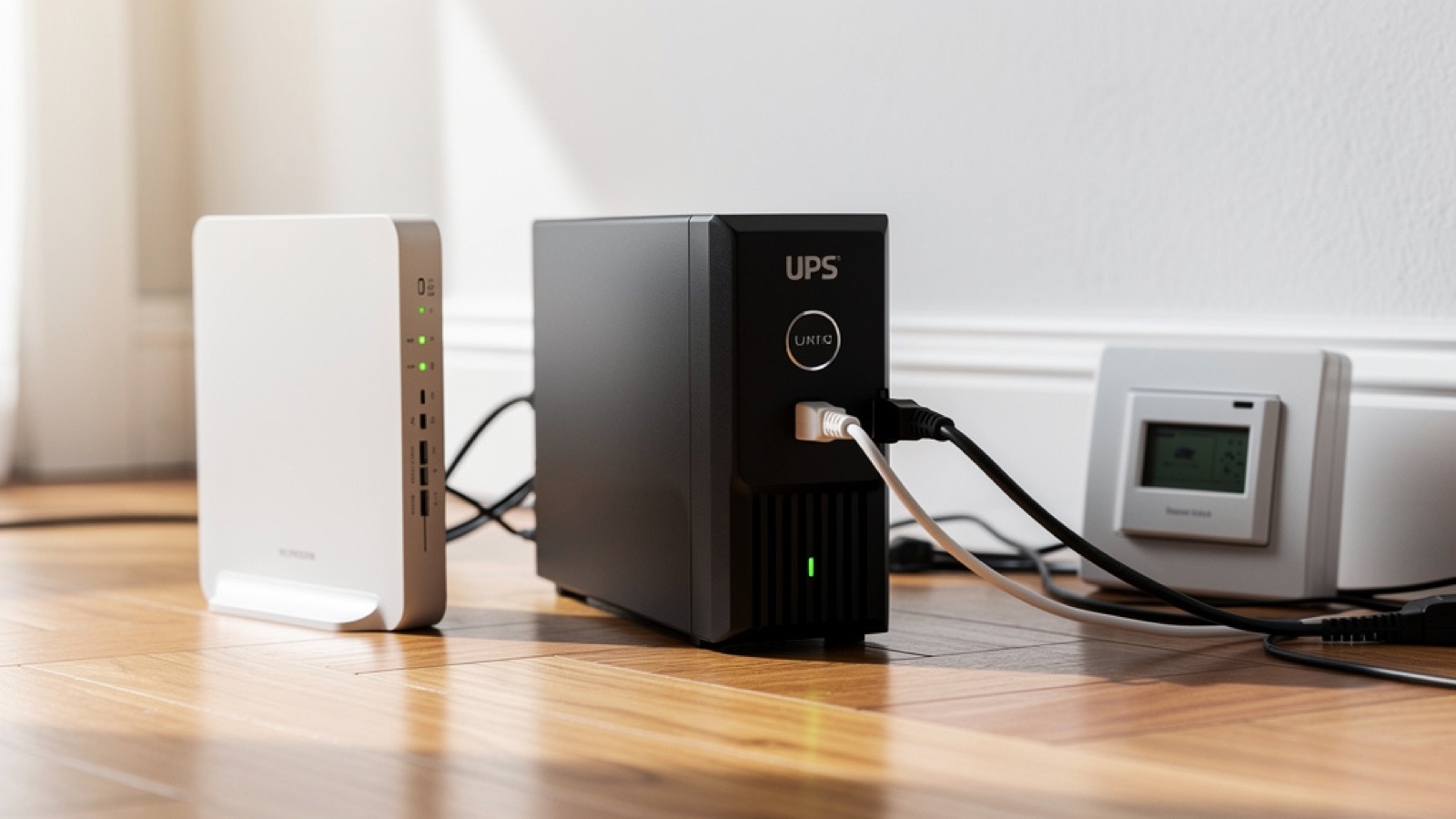
An uninterruptible power supply is a box with a sealed lead-acid battery and an inverter. Utility power flows through it normally; when it drops, the inverter takes over in a few milliseconds — fast enough that the devices plugged into it never notice.
What it does:
- Keeps low-draw electronics running through an outage (router, ONT, modem, alarm panel, NVR)
- Absorbs surges and voltage sags — a real benefit in itself for sensitive gear
- Reports its own state, so you can be alerted when it goes to battery
What it doesn’t:
- It is not a generator. A typical home unit will not run a fridge, a furnace, or your whole rack for hours.
- It doesn’t fix your ISP. If the outage took out the neighborhood, your fiber or cable service may be down regardless of whether your equipment has power.
- It doesn’t replace cellular backup. For that, see our guide to alarms that work with no Wi-Fi.
That last point matters. A UPS and a cellular radio solve different failure modes: the UPS handles “my power is out”, the cellular module handles “my internet is out”. Serious setups have both.
The 4 specs that actually matter
Skip the marketing. There are four numbers.
1. Watts, not VA
Manufacturers lead with VA (volt-amperes) because it’s the bigger number. The one that governs whether your gear runs is watts. A “600VA” unit is usually rated around 330–360W. Add up the real draw of what you’re plugging in:
| Device | Typical draw |
|---|---|
| Cable modem or fiber ONT | 5–12 W |
| Home router / mesh base | 10–18 W |
| Alarm panel (charging) | 10–25 W |
| PoE switch (4–8 cameras) | 30–70 W |
| NVR with one hard drive | 25–45 W |
A router + ONT + alarm panel is typically 30–50 W total. That is a tiny load, which is exactly why the runtime gets so good.
2. Runtime — and the math nobody shows you
Runtime is roughly the usable battery energy divided by the load. A small 600VA/360W unit holds on the order of 100 Wh of usable capacity. At a 40 W load:
100 Wh ÷ 40 W ≈ 2.5 hours
Move to a 1500VA/900W unit (around 260 Wh usable) on the same 40 W load and you’re near 6 hours. This is the counterintuitive part: buying a bigger UPS for a small load doesn’t get you more power, it gets you more time. For security purposes, time is the product.
3. Topology: standby vs line-interactive
- Standby (offline): cheapest. Switches to battery only when power fails. Fine for a router in an area with clean, stable utility power.
- Line-interactive (with AVR): adds automatic voltage regulation, correcting sags and swells without touching the battery. This is the one to buy. Brownouts are far more common than blackouts, and a standby unit either ignores them or burns battery cycles on them.
- Online / double-conversion: overkill and inefficient for home use. Skip it.
4. Battery-backed outlets, and pure sine wave
Cheap units split their outlets: half are battery-backed, half are surge-only. Read the labels on the back — plugging your router into a surge-only outlet is a mistake you won’t discover until the night it matters.
Pure sine wave output is worth paying for if you’re backing an NVR, a NAS, or anything with an active PFC power supply, which can misbehave on the “simulated sine” of budget units. For a plain router, simulated sine is acceptable.
Three reference picks for 2026
| Model | Class | Rated | Realistic runtime @ 40 W | Ballpark price |
|---|---|---|---|---|
| APC Back-UPS 600VA | Standby | 600VA / 330W | ~2–3 h | ~$70 |
| CyberPower 1500VA AVR | Line-interactive | 1500VA / 900W | ~5–7 h | ~$180 |
| APC Back-UPS Pro 1500VA | Line-interactive, pure sine | 1500VA / 900W | ~5–7 h | ~$230 |
Quiz: do you need a UPS, and how big?
⚡ Sizing your backup
4 questions. The result gives you a class and a runtime target.
1. What are you backing up?
2. How often does your power go out?
3. Is your electrical panel or meter reachable from outside?
4. Is the property ever empty for days at a time?
The fiber blind spot
This one catches people out constantly. If you have fiber service, there are usually two boxes: the ONT (the optical terminal, often in a closet, the garage, or on an exterior wall) and your router. Backing up the router alone accomplishes nothing — with the ONT dark, there’s no connection to carry.
Worse, the ONT is frequently mounted in the garage or a utility space, on a different outlet from the one you were thinking about. Trace the cable before you buy. If the ONT is far from the router, you need either a second small UPS at the ONT or an extension run to a single backed-up outlet.
Cable and DSL are simpler — the modem usually sits beside the router — but the same rule applies: every device in the chain from the wall to your phone needs to survive, or none of it matters. Some fiber ONTs also have an internal battery compartment; check whether yours does and whether that battery has been replaced in the last four years.
UPS for an NVR or NAS
If you record locally, a UPS does something a router UPS doesn’t: it protects the data. Yanking power from a spinning hard drive mid-write corrupts files and can damage the filesystem. An NVR that loses power in the middle of an incident may lose exactly the footage you needed.
Two things to set up:
- Pure sine wave output. Active-PFC power supplies in NVRs and NAS units frequently reject simulated sine and either buzz, run hot, or refuse to switch to battery at all.
- USB signaling and graceful shutdown. Connect the UPS’s USB cable to the NVR or NAS and enable the automatic-shutdown setting. The box then writes its buffers and powers down cleanly when the battery hits a threshold, instead of dying mid-write. Almost every NAS supports this natively; many NVRs do too.
Size for the actual load: an NVR plus a four-camera PoE switch draws roughly 60–100 W, which cuts the runtime figures above by more than half.
Installation: four minutes, honestly
- Charge it first. Most units ship partly charged; give it a few hours on the wall before you rely on it.
- Plug the critical gear into the battery-backed outlets. Router, ONT/modem, alarm panel. Read the labels — this is the step people get wrong.
- Never plug a laser printer, space heater, or anything with a motor into a UPS. The inrush current will trip it, and it defeats the whole purpose.
- Run the self-test. Pull the UPS’s own plug from the wall and confirm your gear stays up and your phone still gets alerts. Do this once — knowing it works is the entire point.
Put the unit somewhere ventilated and not on carpet, and don’t hide it where you’ll never hear its alarm beep.
How long does a UPS really last on battery?
Two different questions live in that sentence.
Per outage: the math above — usable watt-hours divided by load. Note that the printed capacity assumes a new battery at room temperature. A three-year-old battery in a warm closet may deliver 60–70% of its rated runtime. Plan with margin.
Over its life: the sealed lead-acid battery inside a consumer UPS lasts roughly 3 to 5 years. It degrades whether you use it or not, and heat accelerates it. A UPS with a dead battery is a power strip with a status light — and it will keep telling you everything is fine right up until the outage.
Maintenance: almost nothing, but two things
- Replace the battery every 3–5 years. Replacement cartridges usually run $30–60, far less than a new unit, and it’s a tool-free swap on most models. Write the install date on the case with a marker.
- Test it twice a year. Unplug the UPS from the wall, confirm the load stays up for a few minutes, plug it back in. That’s the whole procedure. Many units also self-test on a schedule and will report a failed battery — but only if you’ve plugged in the USB cable or enabled the alerts.
The complete resilience stack
A UPS is one layer. The full picture for surviving an outage — accidental or deliberate — looks like this:
- Alarm panel with its own internal battery (most quality panels: ~24 h). Non-negotiable.
- UPS on the router, ONT/modem, and panel (4+ h). This article.
- Cellular backup on the alarm so a signal leaves even if the ISP is down — see standalone alarms.
- A siren that’s loud and local, so a break-in is noisy even with every network on earth offline.
- A locked exterior panel or meter enclosure, which removes the easy cut in the first place. Same reasoning as hardening a garage, where the exterior utility access often sits.
Get the first three and you’ve closed the gap that most home security setups leave wide open.
Get a free quote within 24 hours from a licensed, UL-certified installer near you — no obligation, zero spam.
Conclusion
The uncomfortable truth about most home security setups is that they’re built on an assumption nobody states out loud: that the electricity will stay on. Cameras, doorbells, Wi-Fi sensors, cloud clips — every one of those depends on a router, and the router depends on the grid.
A burglar doesn’t need to defeat your alarm. They need to defeat your router, and a breaker does that for free.
Seventy dollars and four minutes closes it. Put the router, the ONT, and the alarm panel on a UPS with four hours of runtime, test it once, and note the battery replacement date. Then add a cellular path so the signal has somewhere to go. That combination — local power plus an independent channel out — is what separates a security system from a collection of devices that were working until they weren’t.
For the wider strategy, start from the pillar guide on how to secure your home against burglary, and compare hardware in our roundup of the best home alarm systems.
Frequently Asked Questions
Doesn't my alarm already have a backup battery?
Most quality alarm panels do — typically rated around 24 hours. But that battery powers the panel, not your router. If the alarm reports over Wi-Fi and the router is dead, the panel stays awake and alone. Back up the network gear, or give the panel a cellular path out, or both.
What size UPS do I need for just a router and modem?
A 600VA (roughly 330W) unit is plenty. A router plus modem draws around 15–30 W, which typically gives you 3–5 hours. Spending more on a bigger unit for that load buys runtime, not capability — go up only if you want to ride out longer outages or you’re adding an alarm panel and NVR.
Will a UPS keep my Wi-Fi cameras recording?
It keeps the network alive so cameras can upload, and it keeps a PoE switch running so wired cameras stay powered. But battery-powered Wi-Fi cameras run off their own cells regardless, and a camera plugged into an ordinary wall outlet still dies. Map every device in the chain and decide which ones need to be on the UPS.
How long does the UPS battery itself last?
Three to five years for the sealed lead-acid battery in a consumer unit, and heat shortens that. It degrades on the shelf as much as in use. Replace the cartridge on schedule ($30–60), write the date on the case, and test the unit twice a year by pulling its plug from the wall.
Standby or line-interactive — does it really matter?
For a router in an area with clean power, a standby unit is fine. Line-interactive adds automatic voltage regulation, which handles brownouts and sags without draining the battery — and voltage dips are far more common than full outages. If the budget allows, line-interactive is the better default, especially for an alarm panel or NVR.
Do I need pure sine wave output?
For a plain router or modem, no — simulated sine works. For an NVR, a NAS, or any device with an active-PFC power supply, yes. Those supplies can refuse to switch to battery, buzz audibly, or run hot on a stepped waveform. If you’re backing recording equipment, pay the extra for pure sine.
Is a UPS enough to protect against a burglar cutting the power?
It’s half the answer. The UPS keeps your equipment running; it doesn’t help if the intruder also cut the internet line, or if the ISP itself is down. Pair it with cellular backup on the alarm so a signal can leave the building over the mobile network — and consider locking the exterior panel or meter enclosure so the easy cut isn’t available at all.
Sources and references
- FBI Crime Data Explorer — Burglary statistics — official U.S. burglary data.
- U.S. Energy Information Administration — Electric power reliability — average duration and frequency of residential outages.
- UL Solutions — safety listings for UPS equipment and alarm systems.
- Manufacturer specifications (APC, CyberPower) for VA/watt ratings, topology and runtime curves.
