

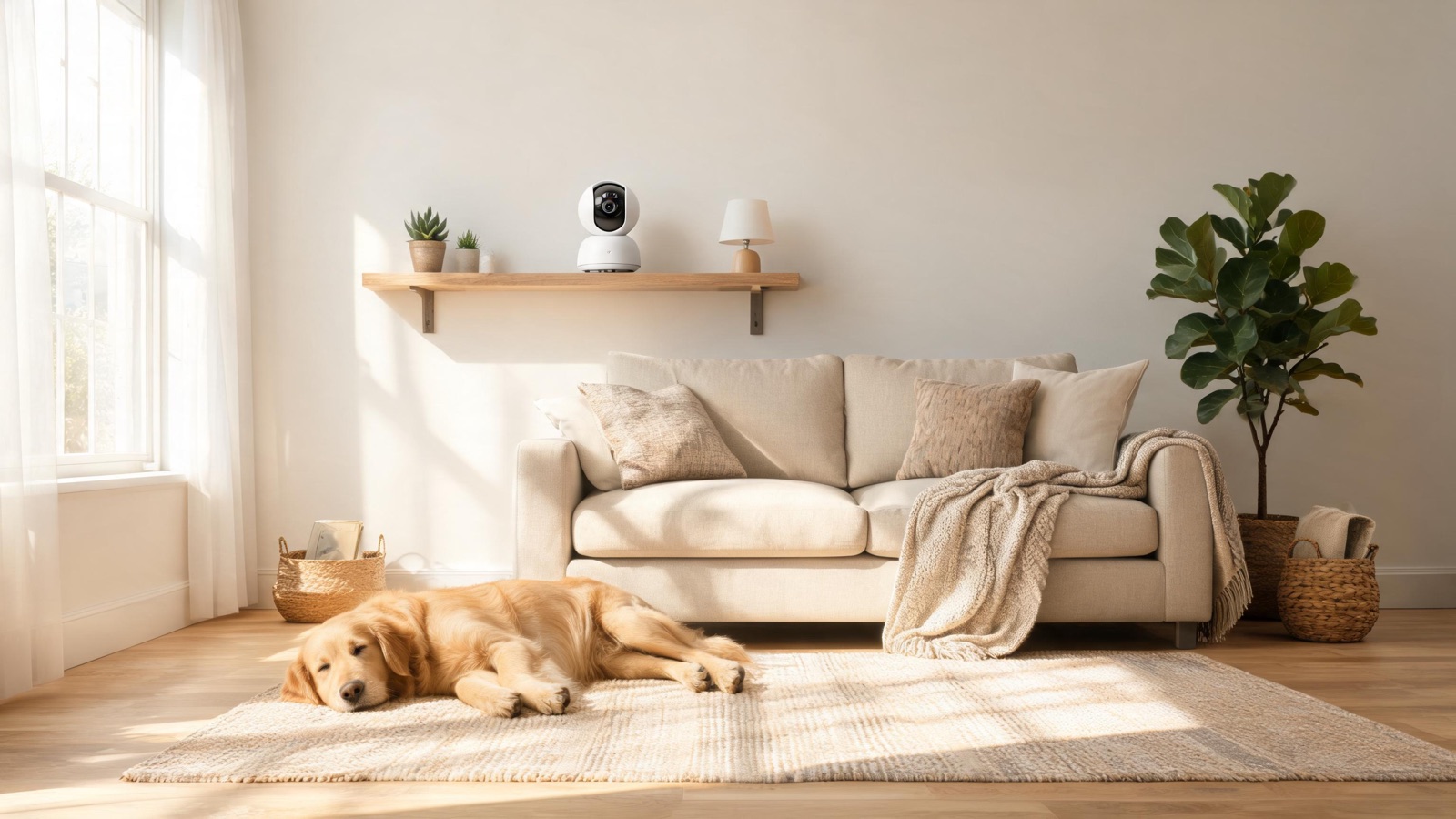
Watching your dog or cat from the office is a different job than home security. Four models compared, the notification settings that keep you sane, and the real total cost. This guide sums up the criteria that matter, the mistakes to avoid and the concrete choices that help you decide faster.
A pet camera looks like a security camera and is bought for entirely different reasons. Nobody installs one to catch a burglar. They install it because the dog howled for two hours according to a neighbor, or because something keeps getting knocked off the counter, or simply because leaving a nine-month-old puppy alone for the first time is unbearable without a way to check.
That difference matters, because the specs that make a good security camera aren’t the ones that make a good pet camera. A camera optimised for a sharp face at thirty feet in the dark is solving a problem you don’t have. What you actually need is a wide view of a room, audio that works in both directions, and — crucially — a notification system that doesn’t send you 200 alerts a day about a cat walking past.
What you’re actually looking for
Five things, roughly in order of how much they matter:
1. A wide field of view. Pets move around a room; you can’t pan a camera fast enough to follow a cat. 130° or wider covers a living room from a corner. A motorised pan/tilt camera helps in a large open-plan space, but a fixed wide lens in the right corner beats a narrow motorised one almost every time.
2. Two-way audio that’s actually usable. Being able to say “hey, off the couch” from your desk is the single most-used feature. But check both directions: some cameras have decent speakers and poor microphones, and hearing whether a dog is quiet or howling is half the point.
3. Sound detection, specifically barking. Motion alerts on a pet camera are near-useless — the pet is always moving. Barking or crying detection is the alert that actually tells you something. Cameras that separate “sound” from “motion” in their alert settings are much easier to live with.
4. Night vision. Not for security, but because pets are alone during winter evenings too, and because many cats are most active in low light.
5. A treat dispenser — sometimes. It’s the headline feature on pet-specific models and genuinely useful for a dog you’re training to be calm alone. For a cat, it’s usually a novelty that gets emptied in a week. Be honest about which you have.
Four models compared in 2026
| Model | Field of view | Treat dispenser | Bark detection | Ballpark price |
|---|---|---|---|---|
| Furbo 360 | 360° rotating | ✅ Yes | ✅ Yes (subscription for smart alerts) | ~$180–210 |
| Petcube Bites 2 | 160° | ✅ Yes | ✅ Yes (with plan) | ~$150–190 |
| Eufy Indoor Cam S350 | Pan/tilt, wide | ❌ No | Sound detection | ~$60–90 |
| Wyze Cam v4 | ~130° fixed | ❌ No | Sound detection | ~$30–40 |
Privacy: where does the footage of your pet actually go?
This is the section people skip, and it’s the one with real consequences — because a camera pointed at your living room is not only recording your pet.
It records you, your family, anyone who comes in: a cleaner, a dog walker, a repair technician, a house guest sleeping on the couch. That’s a meaningfully different thing from a camera pointed at your driveway.
What to do about it:
- Tell the people it affects. A cleaner or dog walker who works in your home should know there’s a camera and where it points. It’s basic courtesy, it’s the professional norm, and finding out later damages the relationship badly.
- Be careful with audio. Several US states require the consent of all parties to record a conversation, not just one. A camera that records audio in a room where someone else is talking can put you on the wrong side of that. If you’re unsure, turn audio recording off and use live two-way audio only.
- Never point it at a bedroom or bathroom, and think twice about a guest room.
- Turn on two-factor authentication. The realistic risk to your camera isn’t a sophisticated attack; it’s a reused password from some unrelated breach. This one setting closes most of it.
- Prefer local recording if it’s available and it matters to you — footage on an SD card in the house has a much smaller exposure surface than footage on a vendor’s servers. See our guide to high-endurance microSD cards if you go that route.
- Read what the subscription actually covers. Some “smart” features — bark detection, person alerts, video history — are cloud-processed, which means the footage leaves your house to make them work.
The mistake I see most often
Leaving every notification switched on.
An indoor camera pointed at a room containing an animal will detect motion essentially continuously. Owners turn everything on, receive 150–250 alerts in the first day, and mute the app by the end of the week. From then on the camera is recording into a void — which is exactly when the one alert that mattered arrives and goes unread.
The fix takes five minutes:
- Turn off generic motion alerts entirely. They tell you your pet exists. You knew that.
- Turn on sound alerts only — barking, crying, glass, smoke alarm if the camera supports it. These are events, not background.
- Set activity zones to exclude the window, the hallway with sun moving across it, and anywhere a curtain moves.
- Use a schedule. Alerts on during working hours, off when you’re home. Most apps support this and almost nobody uses it.
- Raise the sensitivity threshold until you’re getting a handful of alerts a day, not a hundred. If you get zero for a week, lower it one notch.
The goal is two to five notifications a day, each of which you’d actually open. Anything more and you’ll stop reading them.
Quiz: which camera fits your animal?
🐾 Which pet camera do you need?
4 questions, 30 seconds. The result points to a category, not just a model.
1. What are you actually worried about?
2. Dog or cat?
3. How much space do they have access to?
4. How long are they alone?
What it really costs
The camera price is rarely the whole number:
| Item | One-off | Recurring |
|---|---|---|
| Camera | $30–210 | — |
| Cloud plan (video history, smart alerts) | — | $3–10/month |
| microSD card, if recording locally | $15–25 | — |
| Treats for a dispensing model | — | $10–20/month |
| Power extension / mount | $10–20 | — |
A basic setup is $40–70 all in with no subscription if you record locally and only use live view. A treat-dispensing model on a plan, with treats, runs closer to $200 up front and $15–30 a month.
The subscription is the part people underestimate. Check before buying which features stop working without it — on several pet cameras, bark detection and any video history at all are subscription-gated, which turns a $180 camera into a $180 camera plus $96 a year.
Beyond the camera: what actually helps a distressed pet
Worth saying plainly, because a camera is a diagnostic tool and not a treatment. If the footage shows genuine distress — persistent howling, destructive behaviour, pacing, refusing to settle — the camera has done its job by telling you. What resolves it is:
- A conversation with your vet, to rule out pain or a medical cause first.
- A structured desensitisation plan, ideally with a qualified behaviourist. Separation anxiety responds well to gradual, deliberate work and poorly to improvisation.
- Environmental changes — a midday walker, a different confinement setup, enrichment toys, background sound.
- Reasonable expectations about duration. Most guidance suggests adult dogs shouldn’t be left alone more than around four to six hours routinely; puppies far less.
The camera tells you whether any of it is working. That’s genuinely valuable — but don’t let a live feed substitute for addressing what it shows you.
Get a free quote within 24 hours from a licensed installer near you — no obligation, zero spam.
Conclusion
A pet camera is one of the few security-adjacent purchases where the cheap option is often the right one. The expensive pet-branded models earn their premium in exactly one scenario — a dog you are actively training out of separation anxiety, where remote treat delivery is a real technique. Outside that, a $40 wide-angle indoor camera with two-way audio does the same job.
What actually determines whether you’re happy with it:
Mount it high, wide, and out of reach, with the cable where it can’t be chewed.
Turn off motion alerts and turn on sound alerts. This is the difference between a camera you check and a camera you’ve muted.
Be honest about the privacy footprint. It’s recording your home, not just your pet — tell the people who work there, be careful with audio, and switch on two-factor.
Add up the subscription before you buy, not after.
And remember what the camera is for. It answers the question “is my animal OK?” — which is worth a lot on a Tuesday afternoon at your desk. If the answer turns out to be no, the next call is to your vet, not to a bigger camera.
For choosing indoor cameras more generally, see choosing an outdoor security camera (the placement principles carry over) and our roundup of the best security cameras.
Frequently Asked Questions
Do I need a special "pet camera" or will any indoor camera do?
Any decent indoor camera with a wide lens, two-way audio and night vision will do the job. Pet-specific models add a treat dispenser and bark-detection tuning, which matter if you’re actively working on separation anxiety with a dog. For a cat, or for simple reassurance, a general-purpose camera at a third of the price is the better buy.
How do I stop getting hundreds of notifications?
Turn generic motion alerts off completely — in a room with a pet, motion is constant and meaningless. Turn on sound alerts instead (barking, crying), set activity zones to exclude windows and moving curtains, raise the sensitivity threshold, and schedule alerts to working hours only. Aim for two to five alerts a day that you’d actually open.
Is it legal to have a camera running when a cleaner or dog walker is in the house?
Video in a common living area of your own home is generally fine, but audio is the part to be careful about: several US states require all parties to consent to recording a conversation. Regardless of law, tell anyone who works in your home that a camera is there and where it points — it’s the professional norm and discovering it later does real damage to trust.
Are treat dispensers worth it?
For a dog you’re actively training to be calm alone, yes — the ability to reward settled behaviour remotely is a genuine technique. For most cats and for settled adult dogs, it’s a novelty that gets emptied in a fortnight. Be honest about which situation you’re in before paying the premium, and factor in the ongoing cost of the treats themselves.
Can I use the camera to talk to my pet?
Yes, and it’s the feature owners use most. One caveat worth knowing: for some anxious dogs, hearing their owner’s voice with no owner appearing can increase distress rather than reduce it. Watch how yours reacts the first few times — if it triggers searching or more vocalising, use it sparingly and rely on the camera for observation instead.
Does it need a subscription?
Depends on the model, and this is the cost people miss. Live viewing is almost always free; video history, bark detection and other “smart” alerts are frequently subscription-gated at $3–10 a month. Check exactly which features stop working without a plan before you buy — on some pet cameras, most of the reason you wanted it is behind the paywall.
Where should I mount it?
High enough that the animal can’t knock it down, in a corner so the wide lens covers the maximum floor area, and pointed away from bright windows to avoid backlighting. Route the power cable along a wall or behind furniture so it can’t be chewed — a chewed cable is both a dead camera and a genuine hazard to a pet.
Sources and references
- ASPCA — Separation anxiety in dogs — recognised behavioural guidance on causes and treatment.
- American Veterinary Medical Association — guidance on pet welfare and behavioural concerns.
- Manufacturer specifications (Furbo, Petcube, Eufy, Wyze) for field of view, audio features and subscription terms.
